


Input text, link or upload file
You can choose to input text or website link, or upload file to start generating podcast.


Turn text, articles, or documents into high-quality episodes with natural voices in minutes, no recording or editing required.
Loved by millions of creators and brands






Try this versatile boy voice generator and turn your text into clear, natural-sounding voices in seconds. Easy to use, fast, and ultra-realistic, perfect for all your projects.

Multi-Host Dialogue Creation with Perfect Timing
Create podcast with multi-host conversations that feel engaging. BlipCut intelligently generates multi-speaker dialogue with precise timing, natural pauses, and smooth turn-taking, so every exchange sounds like a real conversation, not a scripted monologue.
What You Can Create:
Turn Any Content into AI Podcast, in Minutes
No matter where your content lives, BlipCut makes it easy to turn it into a podcast. Whether your material lives as long-form text, on a website, inside documents, or as prepared scripts, you can upload or paste it directly without extra formatting.
Supported Formats:
Instantly Generate Multiligual Podcasts with Accurate Pronounciation
Reach listeners around the world by generating podcast episodes in more than 40 languages and accents. BlipCut makes it easy to adapt your content for different regions without re-recording or hiring multiple voice talents.
AI Podcast Voice Generator with 600+ Lifelike Voices
Choose from over 600 lifelike voices designed to fit different tones, characters, and storytelling styles. Whether you need a calm narrator, an energetic host, or a conversational voice, BlipCut AI voices are crafted to feel natural and easy to listen to.
BlipCut is the best text to speech podcast generator, built to simplify podcast creation from the ground up. Instead of complex tools or time-consuming workflows, it offers an efficient way to turn ideas into listenable episodes.
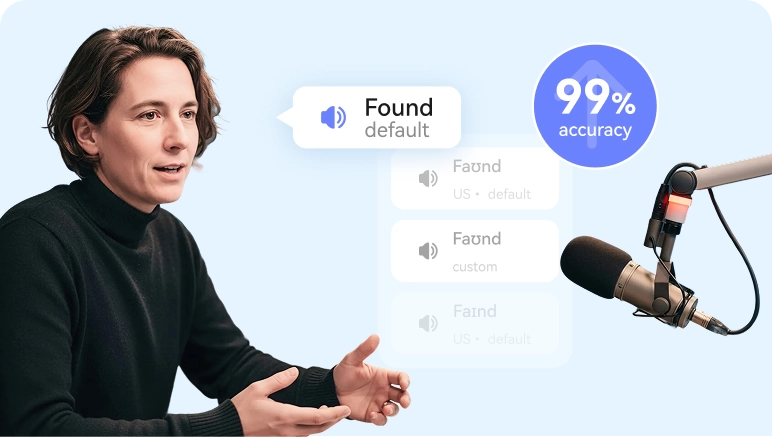
Accurate pronunciation
Clear pronunciation is essential for a good listening experience. BlipCut AI podcast generator from text can easily deliver precise articulation and natural emphasis.
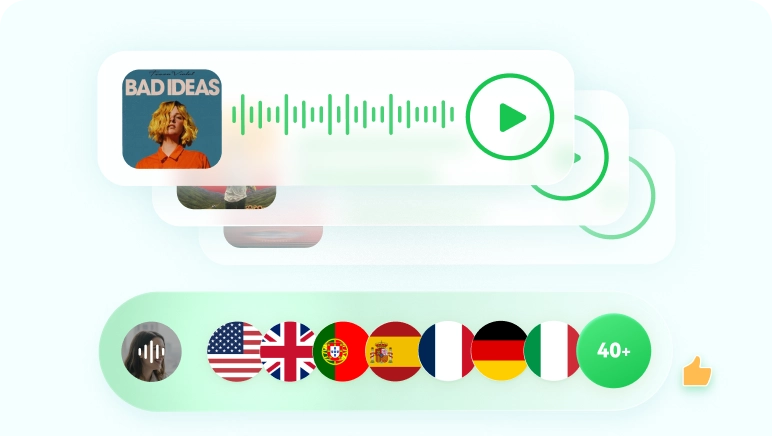
Multi-language support
BlipCut AI voices speak smoothly across 40+ languages and accents, like English, Spanish, Arabic, Hindi, etc. making your podcast content truly global.
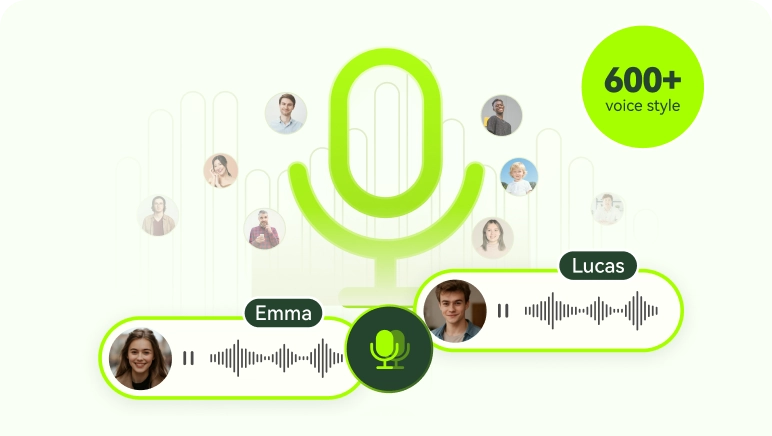
Ultra-realistic voice lirabry
BlipCut offers a diverse library of realistic voices, making it easy to match the right tone for interviews, storytelling, talk shows, or educational podcasts.
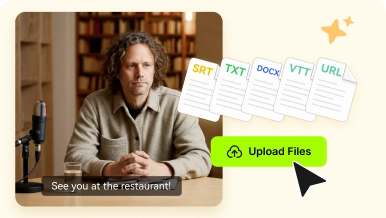
Multiple input choices
BlipCut supports flexible input options, allowing creators to repurpose articles, scripts, and documents into podcast-ready audio with minimal effort.
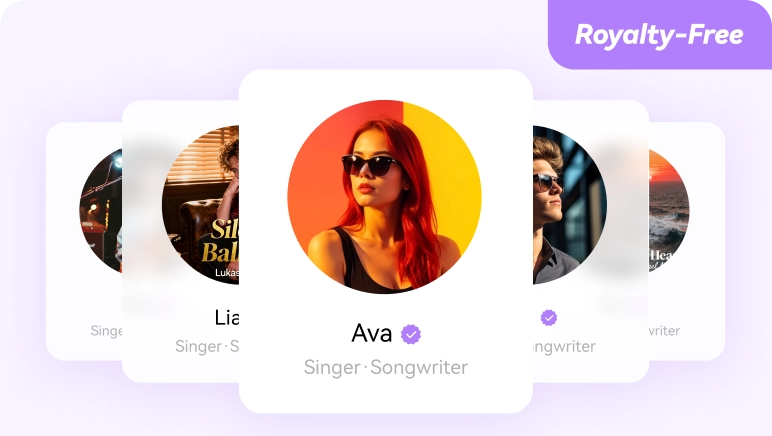
Royalty-free voices
Explore different styles to create dialogue, multi-character scenes, or unique sound identities, available for commercial use, all powered by BlipCut voice library.
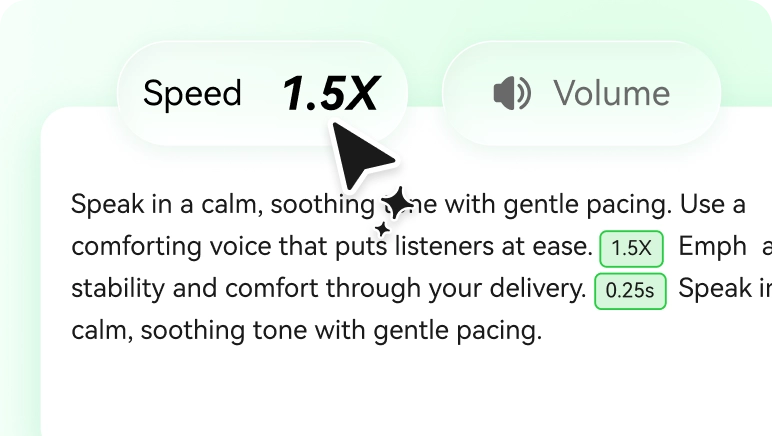
Voice output control
Fine-tune your voice exactly the way you want. BlipCut podcast AI generator lets you adjust speed and volume, as well as insert natural pauses for better pacing.
Listen to real podcasts made with our free text to podcast generator. Turn text, articles, or webpages into broadcast-ready episodes with natural voices, clear structure, and engaging storytelling.
News Report
BlipCut enables AI audio news with support for multi-host conversations, making it easy to create dialogue-based news content. You can assign different voices to multiple hosts for reporting, analysis, and discussion. Whether it’s daily briefings, breaking news, or in-depth coverage, BlipCut helps journalists, podcasters, and media teams produce broadcast-ready news podcasts efficiently.

Technology
BlipCut AI podcasts generator helps creators turn complex tech topics into easy-to-follow audio content. It’s ideal for single-host shows focused on explaining AI, software, product updates, and emerging tech trends. With its professional-sounding AI voices, BlipCut can easily help listeners understand technology without feeling overwhelmed.
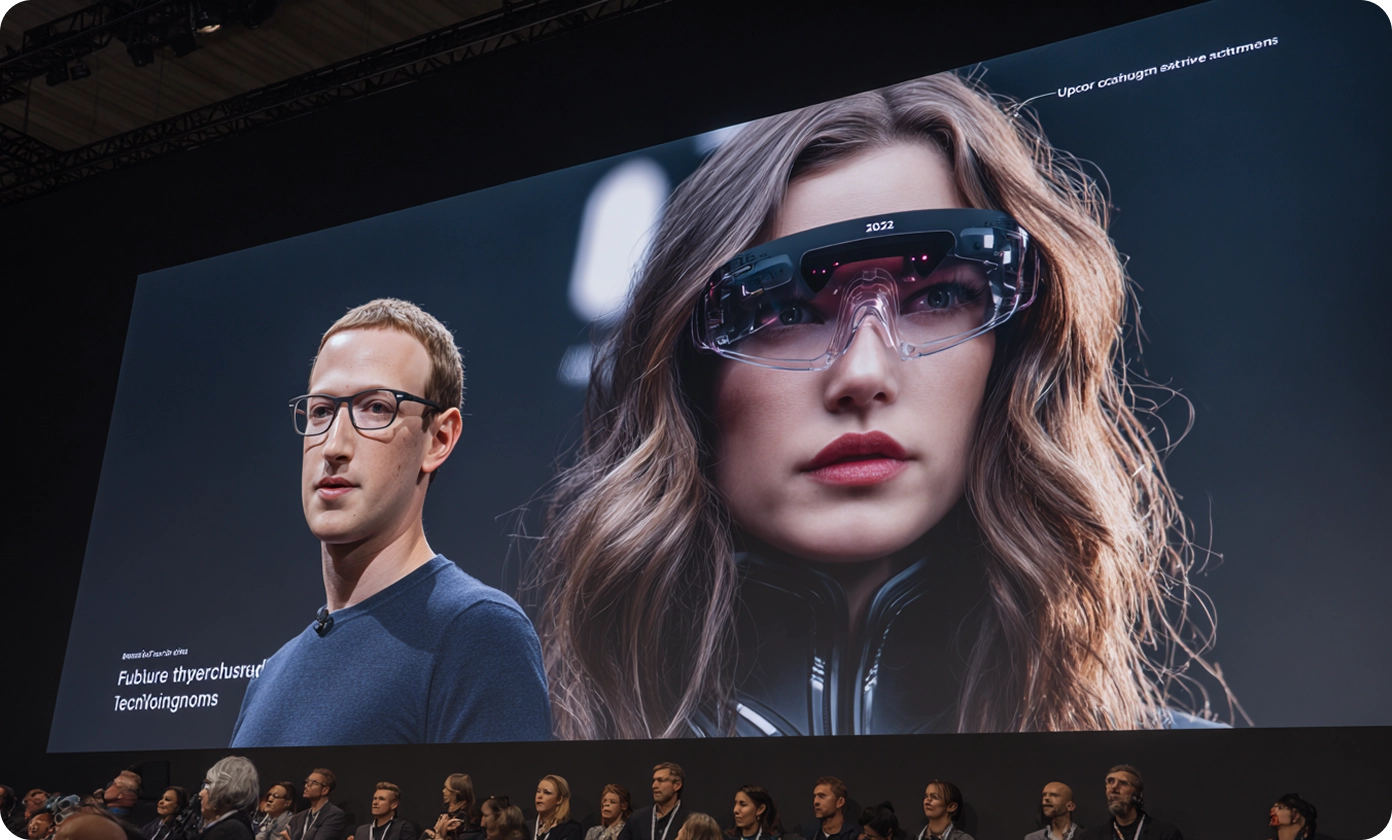
Entertainment
AI text to podcast creation makes it suitable for content like storytelling, animation, drama, and character-based shows. Creators can use different voice styles and emotions to make audio content sound more natural and varied. This makes it easier to produce entertainment podcasts that rely on expressive narration rather than a single, monotone voice.
Educational Lecture
BlipCut is designed for AI podcast for studying. Learning materials such as lectures, study notes, and language lessons can be converted into structured audio that is easy to follow. The focus is on clarity and pacing, allowing learners to review content through listening during study sessions, commutes, or breaks. This approach fits students, educators, and independent learners who rely on audio as part of their learning routine.

Storytelling & Fiction
BlipCut AI that makes podcasts instantly, allowing you to bring your stories, fairy tales, and creative scripts to life with expressive and emotionally rich voices. It’s perfect for writers, podcasters, educators, and content creators who want to share fictional worlds, engage listeners, and produce professional-quality audio without needing to record themselves.

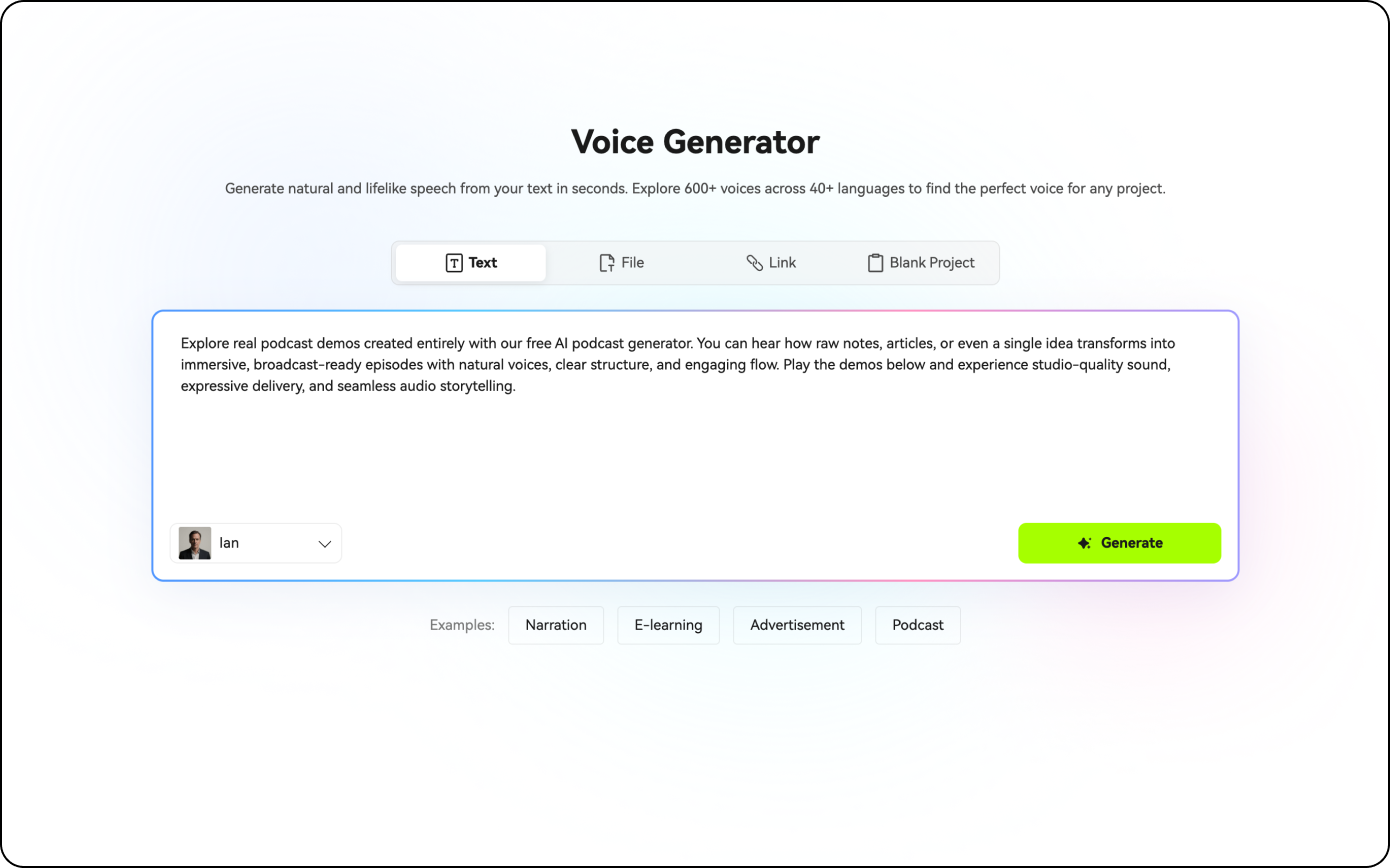
You can choose to input text or website link, or upload file to start generating podcast.
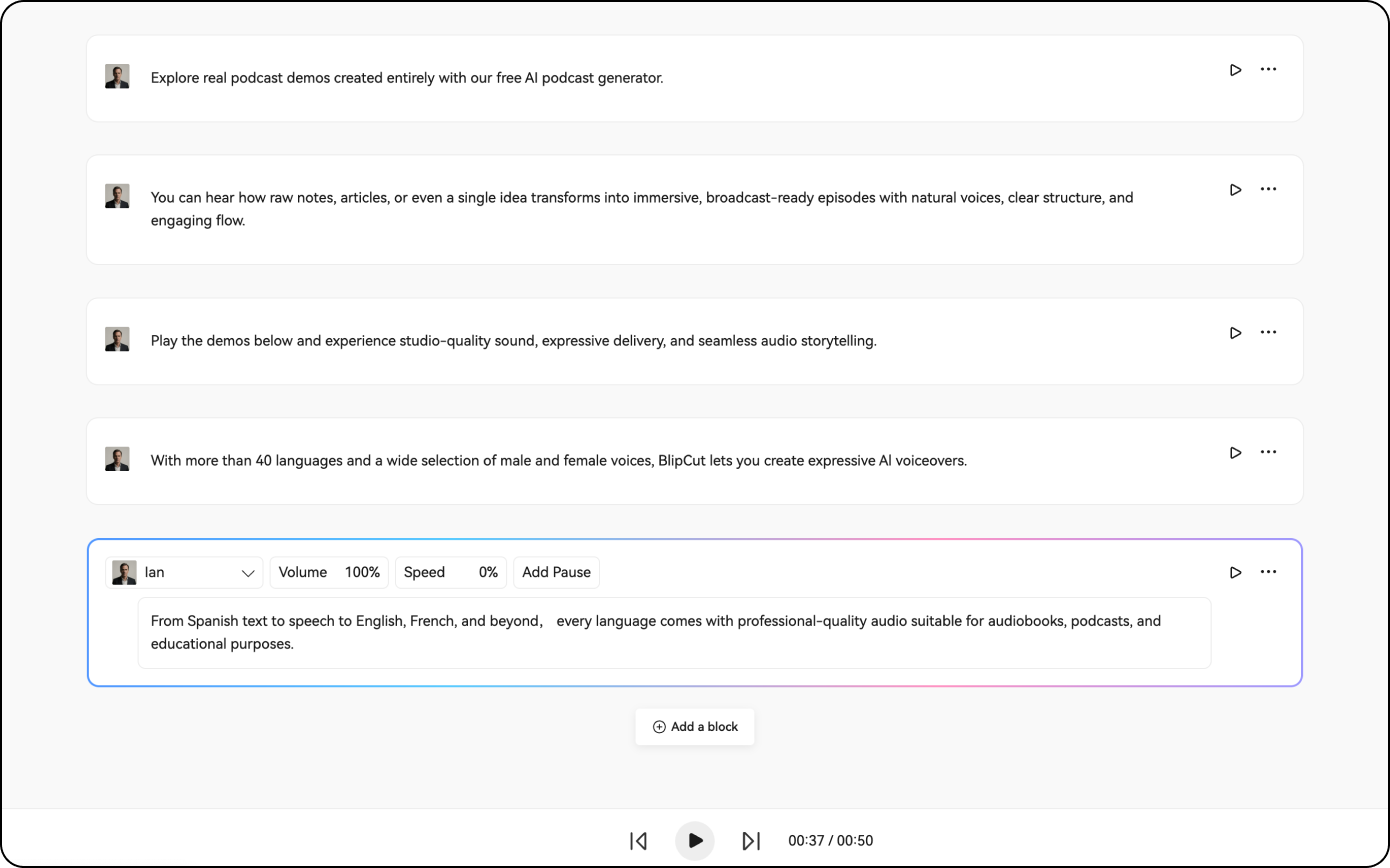
Select a voice you prefer from our voice library and then click the Play icon to start.
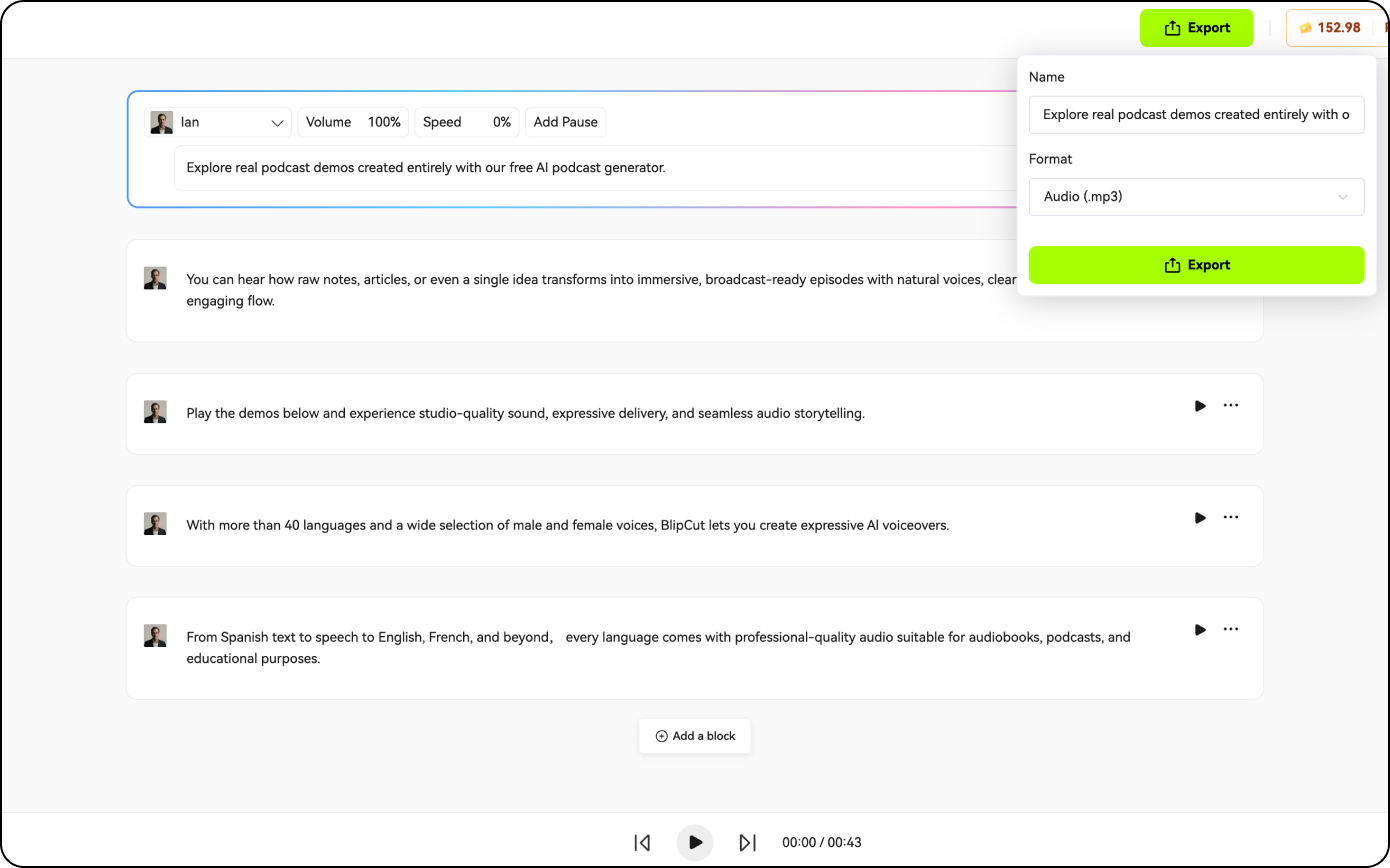
Preview the voice results and export the generated voices in .mp3 or .wav format.
An AI podcast generator is an AI that makes a podcast by automatically converting text, scripts, or ideas into spoken podcast audio using realistic synthetic voices, without the need for recording equipment or human hosts.
You input text, such as an article, outline, or script, choose voices or speakers, and the AI generates natural-sounding podcast audio. Editing is done by modifying text instead of re-recording.
The best free podcast maker depends on how you want to create your podcast. If you want to generate natural podcast audio from text without recording, BlipCut Voice Generator is one of the best free options available.
BlipCut Podcast Generator supports over 40 languages and dialects. It includes widely spoken languages like English, Spanish, French, German, Portuguese, Russian, Japanese, and Korean, as well as regional languages such as Hindi, Tamil, Telugu, Urdu, and more. This makes it easy to create realistic podcasts for audiences around the world.
Yes! You can enjoy full commercial rights by upgrading to BlipCut Pro, allowing you to use AI generated podcasts for commercial use without restrictions.
As a beginner, start by choosing a simple topic and format, then write a short outline or script to stay focused. You can either record your own voice or use an AI podcast generator like BlipCut to turn text into podcast audio without recording. After editing, export your episode as an MP3 and publish it on a podcast platform.