


Upload file or record voice
You can choose to upload an audio file, or record to clone your voice directly.


Clone your voice in seconds by recording or uploading an audio file, and generate lifelike voice replicas.
Loved by millions of creators and brands






Built for creators and teams, our AI voice cloning services combine multilingual voice support, text to speech generation, and simple editing controls into one streamlined workflow.

Clone Voices in 29 Languages and Accents
Create a single voice clone and use it consistently across 29 languages without recording separate samples for each one. This makes it easy to maintain the same tone, identity, and speaking style when producing multilingual videos.
Generate Speech from Text, in Your Voice
Once your voice is cloned, you can apply it directly to written text and turn scripts into natural-sounding audio in minutes. This workflow is ideal for voiceovers, narration, and frequent content updates.
Control Pacing and Delivery with Simple Editing
BlipCut AI voice cloner helps you fine-tune the output by adjusting volume and speaking speed, or inserting pauses where they feel natural.
BlipCut is a powerful voice cloning solution, built to simplify voice creation from the ground up. Instead of complex recording setups or repeated takes, it offers an efficient way to create natural-sounding voices for your content.
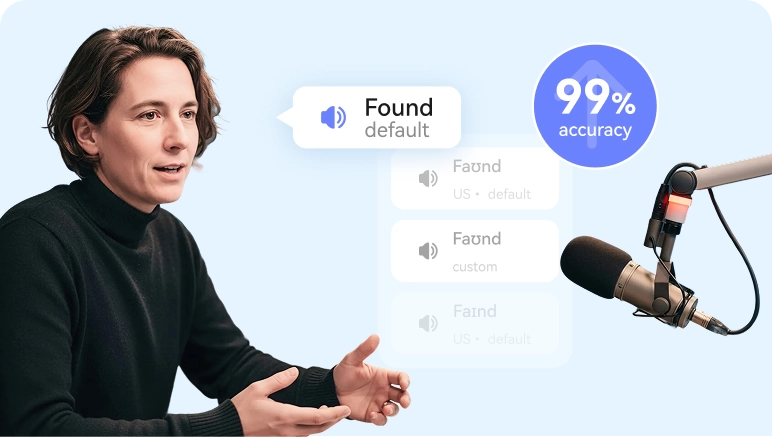
Accurate pronunciation
Clear pronunciation is essential for a good listening experience. BlipCut delivers precise articulation and emphasis, ensuring clear speech with up to 99% pronunciation accuracy.
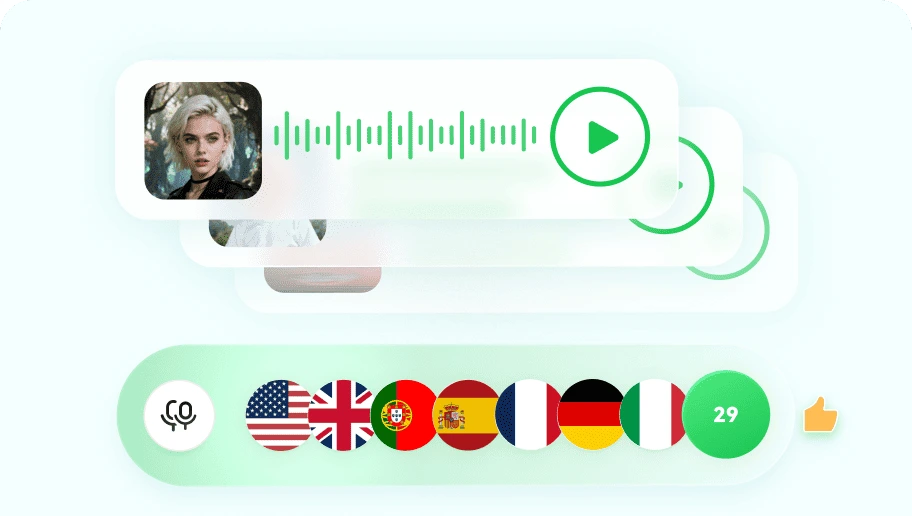
Multi-language support
BlipCut lets your cloned voice speak smoothly across 29 languages, like English, Spanish, Arabic, Hindi, etc. making your content sound natural and consistent for global audiences.
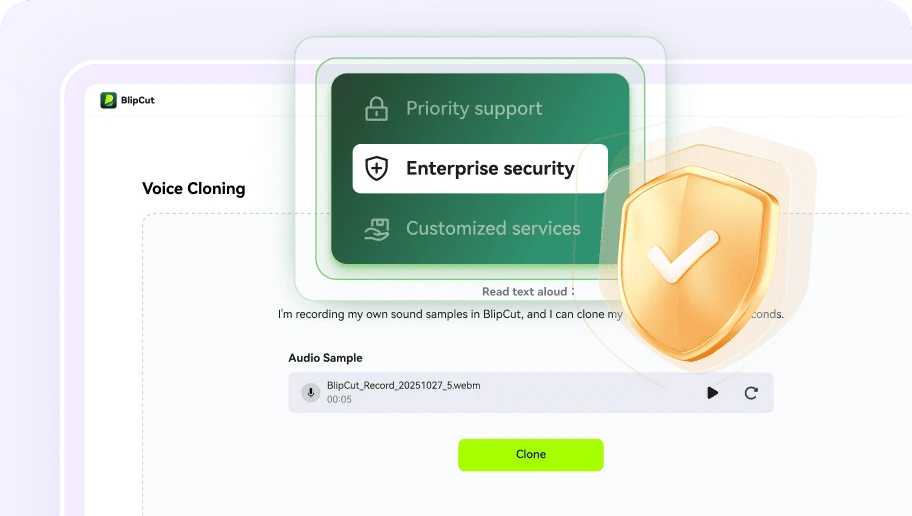
Your cloned voice stays private
BlipCut is built with privacy and security in mind. Your cloned voice is used only for your own projects and is never made public, shared, or added to any voice library.
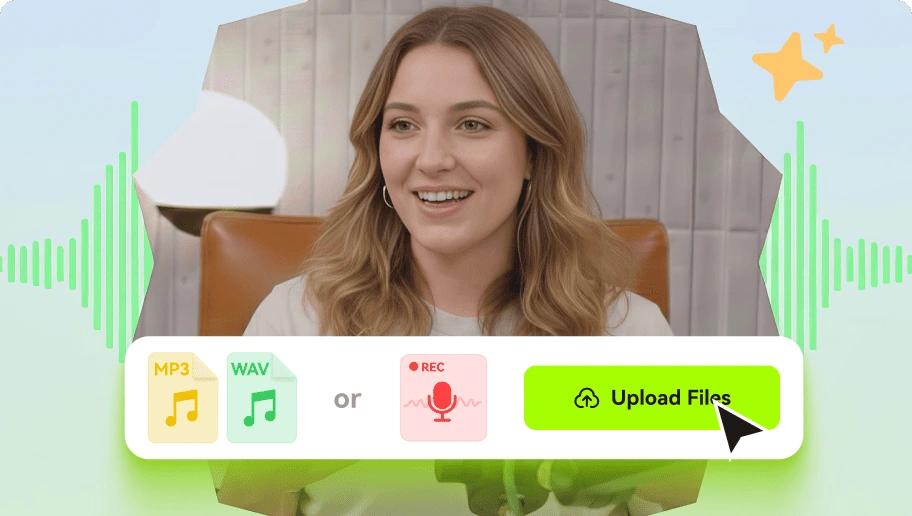
Flexible audio input
Clone voice from audio file or live recordings with ease. Simply upload an existing audio clip or record voice directly, and use it to create an AI voice clone for future text-to-speech.
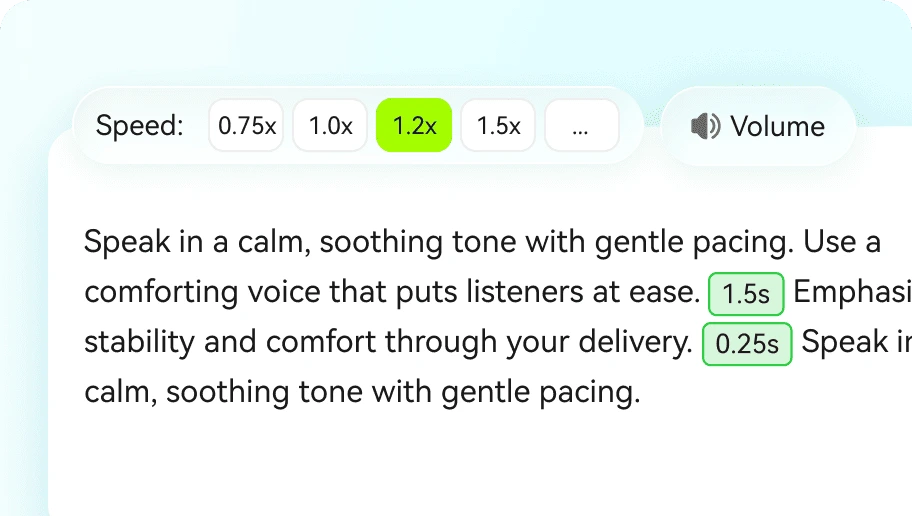
Fine-tune cloned voice
Easily adjust volume and speech rate to shape how your cloned voice sounds, helping your audio feel more realistic and well-paced for different use cases.
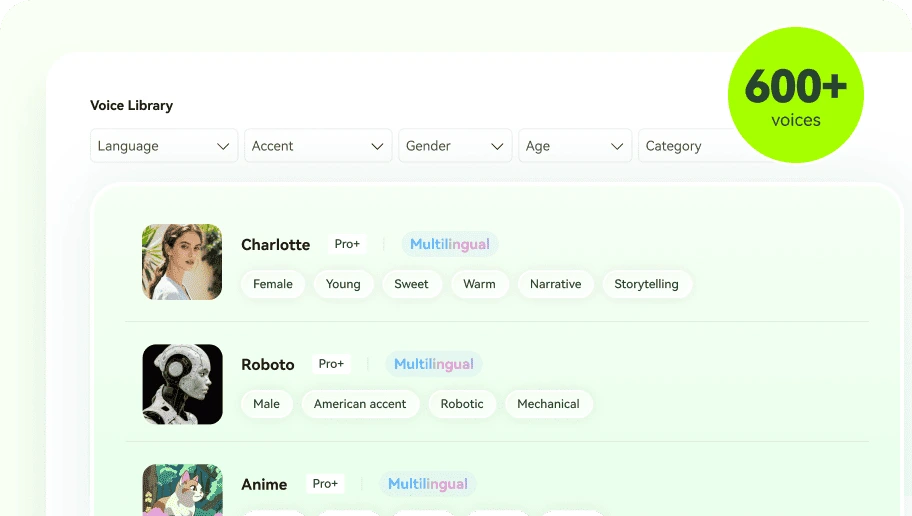
Custom style for cloned voice
Define how your cloned voice sounds by selecting its gender, age, and intended use case. This allows the same voice to adapt to different scenarios, such as narration, education, or marketing.
Listen to the same cloned voice speaking different languages to compare pronunciation, pacing, and natural expression across versions.
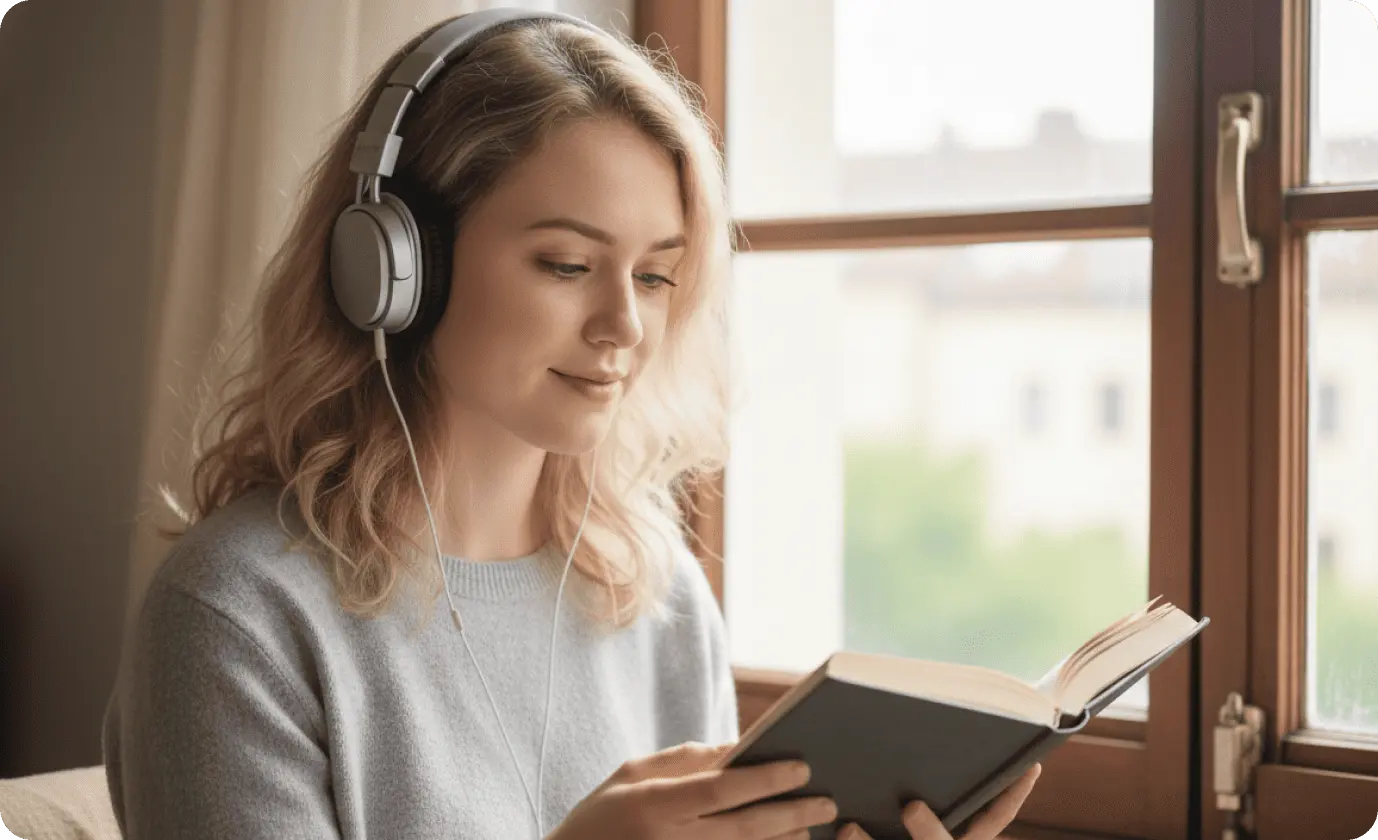
Audiobooks
Narrators and publishers often deal with long recording sessions, tight schedules, and the need to keep the same tone across every chapter. With clone voice AI, you can rely on a single voice throughout the entire audiobook, making revisions or added chapters easy to produce without returning to the studio.
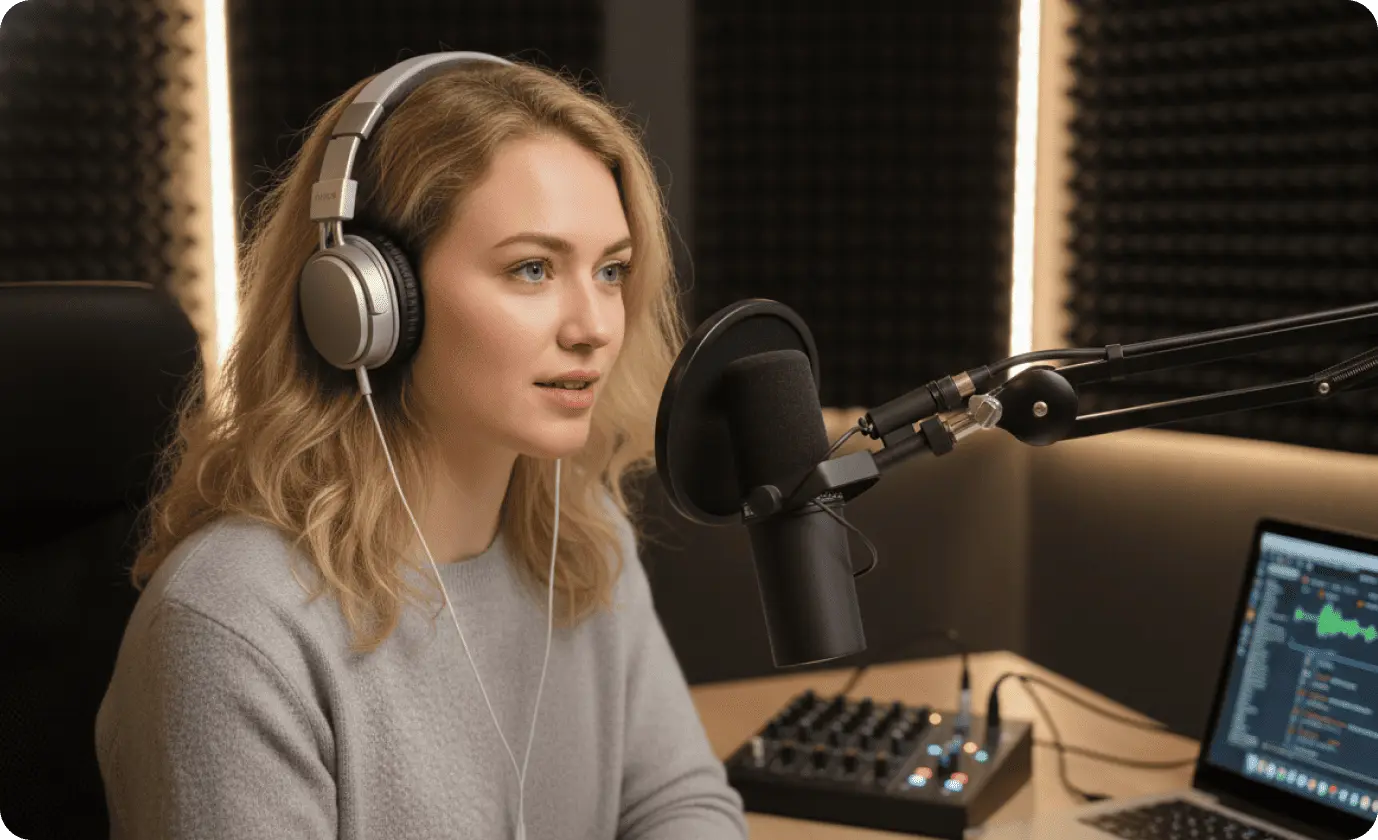
Podcasts
When you create podcasts, it’s common to fix mistakes, update information, or add new segments after recording. With an AI clone voice, you can replace or insert short parts using the same voice, without re-recording entire episodes. BlipCut works as an AI podcast generator to help you keep a consistent sound and simplify post-production.
Video Voiceovers
When you produce video voiceovers, scripts often change as visuals are updated or reused. Free voice cloning services let you regenerate narration using the same voice whenever the script is revised, without starting from scratch. As a result, your videos stay aligned in tone and timing while production remains flexible and efficient.
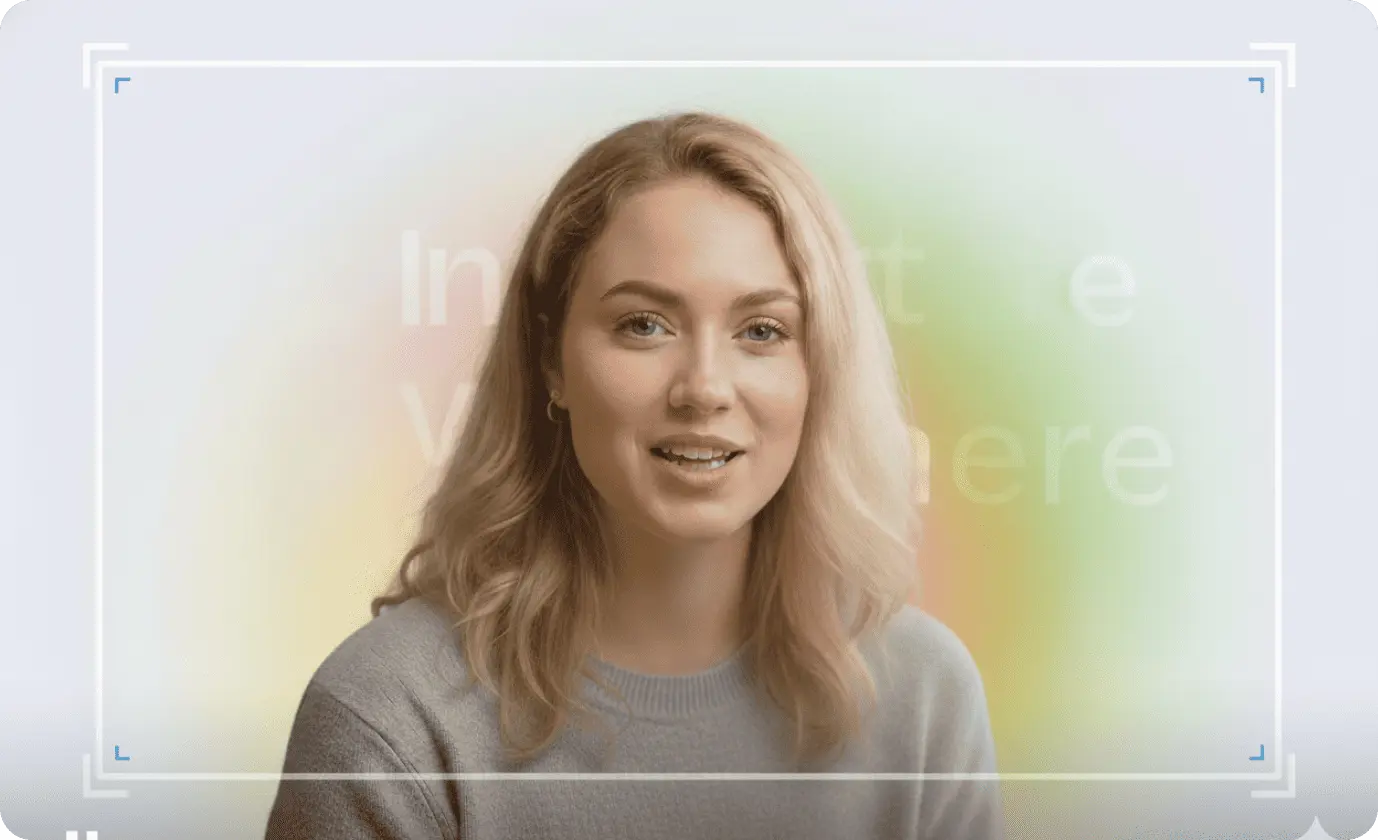
Advertising
Advertising campaigns often require multiple versions of the same message across platforms, regions, and formats. BlipCut voice copier enables you to reuse a recognizable voice for different ads, taglines, or scripts without recording every variation separately.

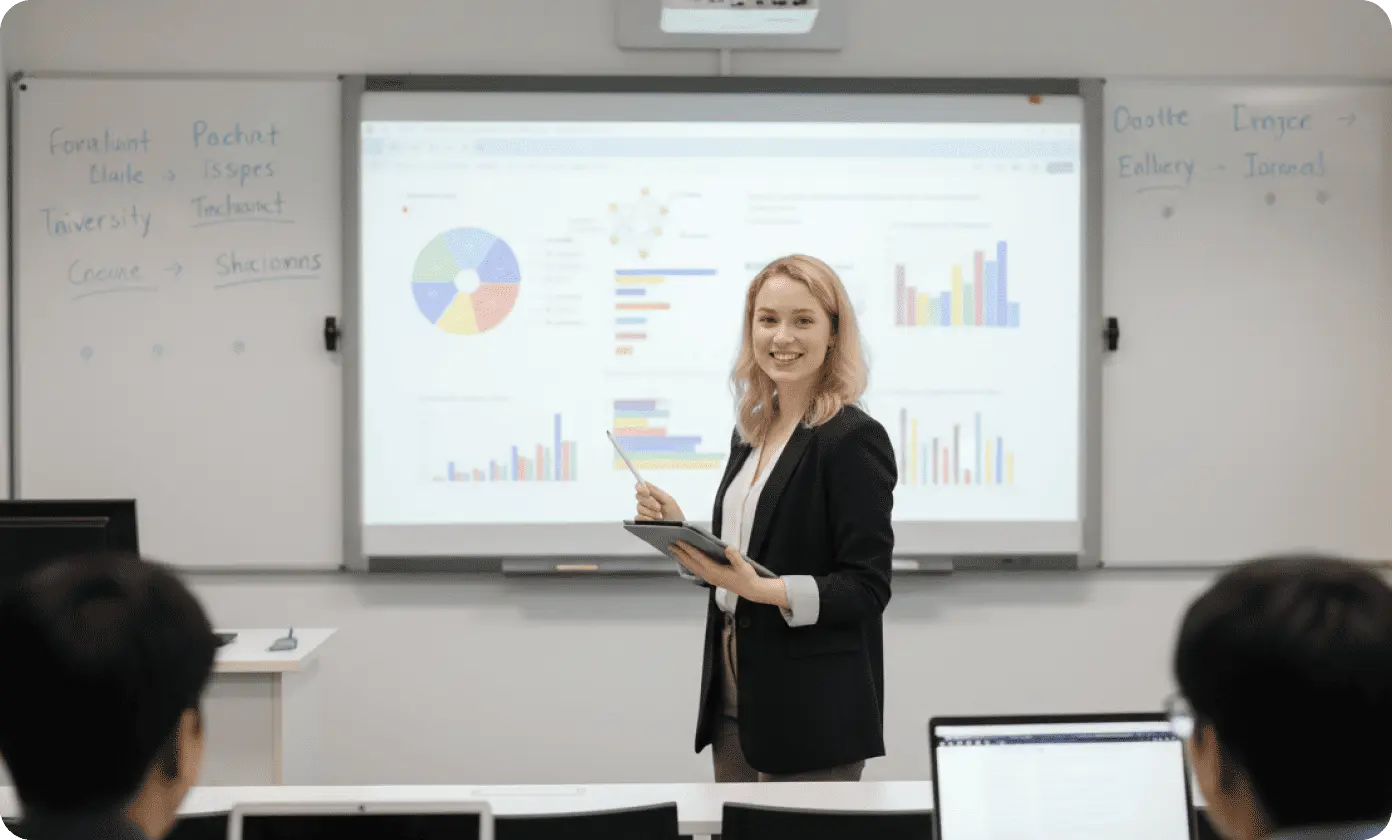
Education
Keeping course materials up to date often means revising explanations, examples, or pacing. For instructors working with AI voice cloning free tools, spoken content can be adjusted simply by updating the script instead of re-recording full lectures.
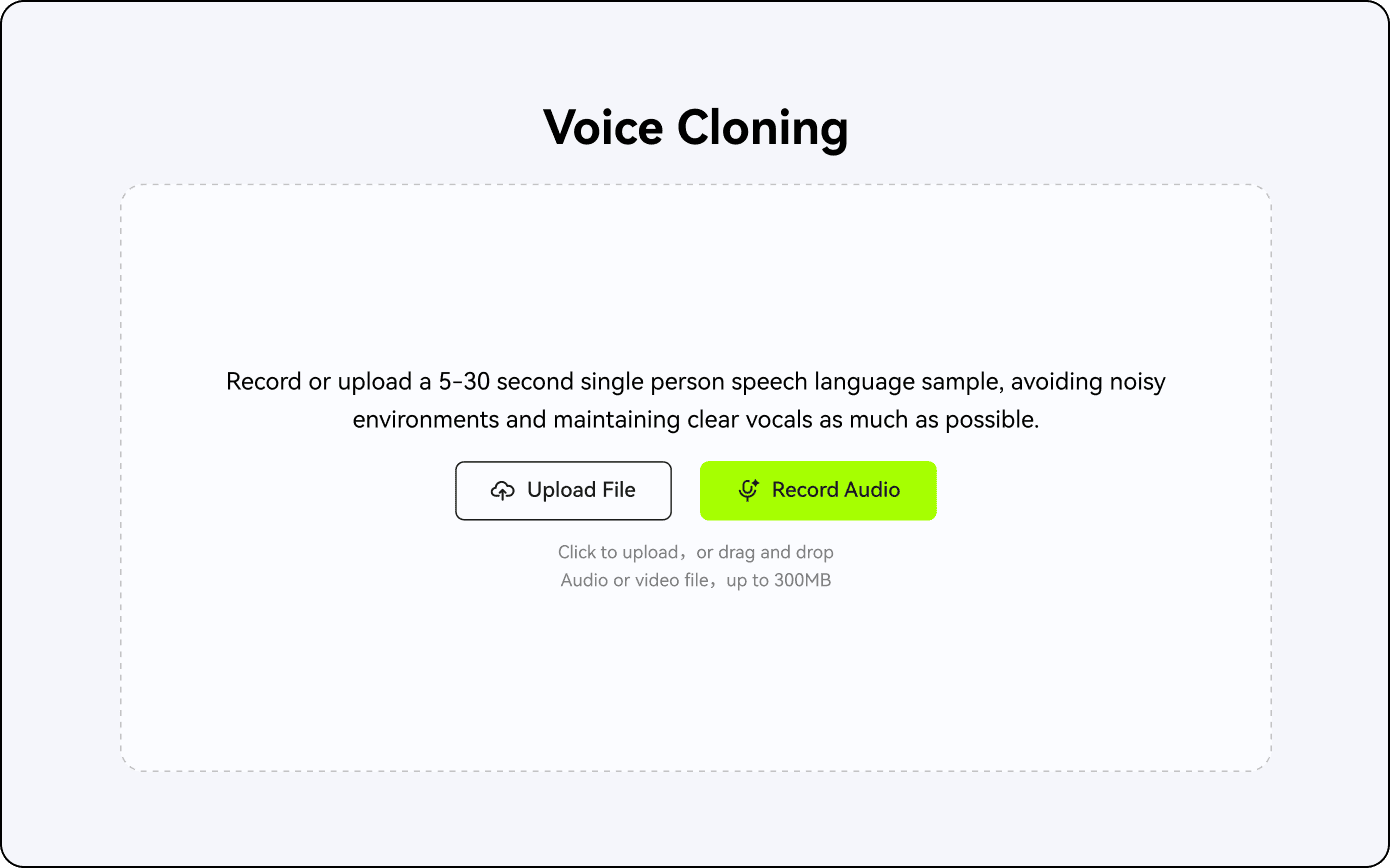
After finishing cloning voice, and your cloned voice will be shown on your voice library safely.
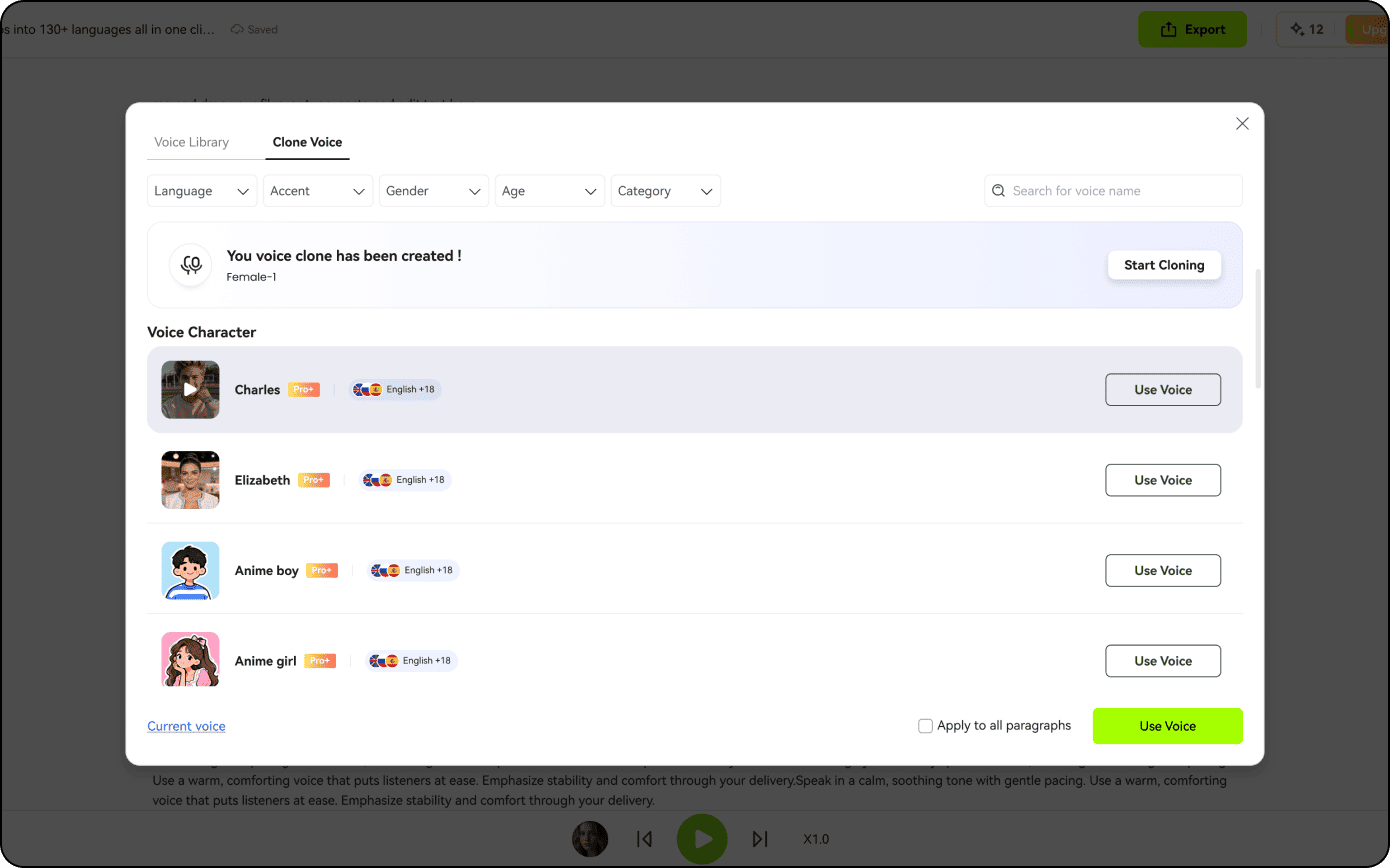
Select a voice you prefer from our voice library and then click the Play icon to start.
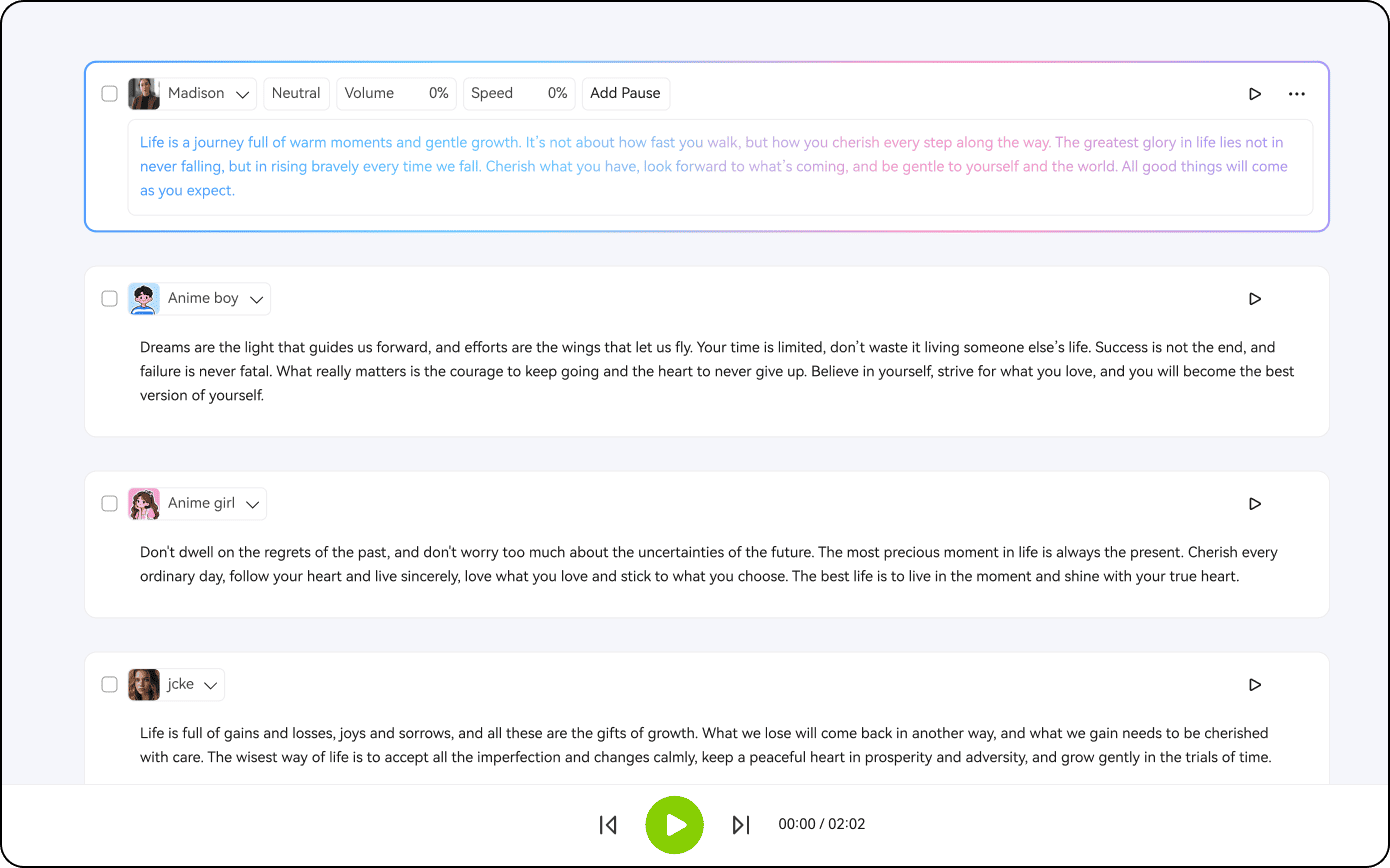
Finally input text, document or link, and then select your cloned voice for AI voice generation.
Artificial intelligence voice cloning is a technology that can replicate a person’s voice. It works by analyzing recordings to capture unique features like tone, pitch, and speaking style, then uses AI models to generate new speech that can mimic voice naturally, making it sound like the original speaker.
The legality depends on consent and usage. Cloning your own voice or voices you have permission to use is generally legal. However, using someone else’s voice without their consent can violate copyright, privacy, or publicity rights. Always make sure you have proper authorization before creating or distributing audio content.
Technically, AI voice cloning can attempt to mimic any voice, but the quality depends on the amount and clarity of available recordings. The more high-quality audio it has, the more accurately it can replicate the voice. However, using someone else’s voice without permission is legally and ethically restricted.
AI voice cloning currently supports 29 languages, including English, Spanish, French, German, Chinese, Japanese, Korean, Portuguese, Italian, Russian, and Arabic, allowing users to generate realistic speech in multiple languages and accents for global content.
Uploaded audio on BlipCut is definitely secure, will not be leaked, and is not used to train AI models. Your voice data stays private and is only used for generating your requested content.